
PNI Adventure F450 aluminum flashlight with focus and BOOST function, led 20 W, 1500 lm to 450 m, IPX5, power bank with USB output, USB charging, 4400 mAh battery included, works 10 hours continuously

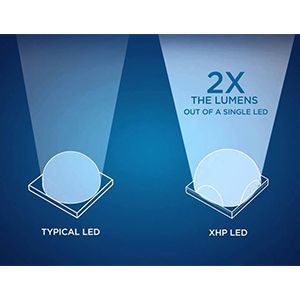
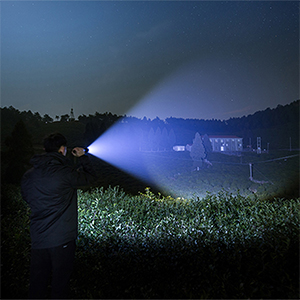
| Cree XHP50.2 LEDThe Cree XHP50.2 LED with which the PNI Adventure F450 flashlight is equipped, with a special lighting distance of up to 450 meters and a power of 20W and 1500 lumens, can become the most reliable partner in various situations, such as: hunting, hiking, fishing, security or search and rescue. |
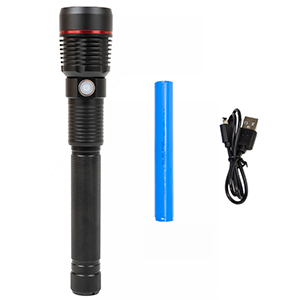
Rechargeable battery includedThe PNI Adventure F450 LED flashlight is powered by a 18650 block-type Li-Ion battery with a capacity of 4400mAh. The battery is charged via a microUSB cable. Both the battery and the USB cable are included in the package. |
|
| Multiple lighting modesThe PNI Adventure F450 LED flashlight offers several lighting levels: 40%, 10%, 3%, strobe mode (or SOS) + BOOST function with 100% lighting for up to 40 seconds. By pressing the button on the flashlight, you can easily change the intensity, perfectly adapting the flashlight to your lighting needs. |
Video presentation |
|
PNI Adventure F450 aluminum flashlight with focus and BOOST function, 20 W UK |
| Characteristics |
|
||||||||||||||||||||||||||||||||||||||||||||||||||||||
|---|---|---|---|---|---|---|---|---|---|---|---|---|---|---|---|---|---|---|---|---|---|---|---|---|---|---|---|---|---|---|---|---|---|---|---|---|---|---|---|---|---|---|---|---|---|---|---|---|---|---|---|---|---|---|---|