
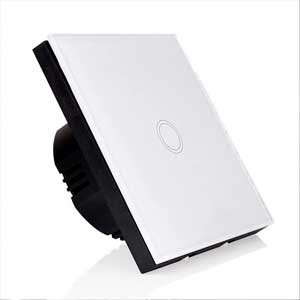
Simple switch with glass PNI SH101 touch, white with LED indicator

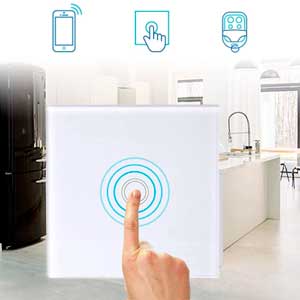
| Touch screenThe industrially designed capacitive touch switch PNI SH101 has a sensitive and fast response. Ultra-low consumption design that offers extra energy savings and environmental protection. |
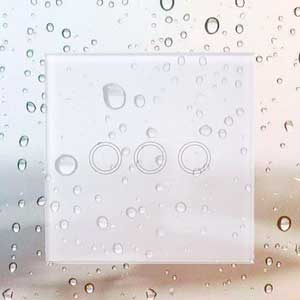
Glass panelThe switch has a transparent tempered glass panel with a modern design. It can be touched even with a wet hand without any danger. | |
| Unique and modern design Unique and modern design of the night light indicator. Ideal for the elderly and children. No need to change the original electronic circuit. |
Right forThe PNI SH101 single touch switch is suitable for home, offices, hotels and other similar places. Not suitable for factories, CT rooms, magnetic resonance imaging in hospitals or other places with strong electromagnetic interference. | |
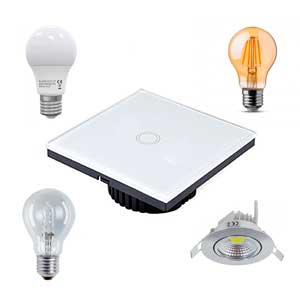
| CompatibilityIt is compatible with all types of LED bulbs, incandescent lamps, halogen lamps, energy saving lamps, fluorescent lamps with electronic driver. |
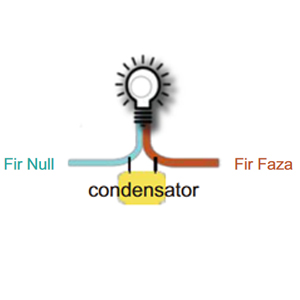
When the lamp lights up or flashesWhen the lamp is off but light or flashing, please connect the yellow capacitor in the package between the neutral Null wire and the live one (phase). After this operation the switch will work correctly and the lamp will have no more problems. | |

Video presentation |
|
Simple switch with glass PNI SH101 touch, white with LED indicator UK |
| Characteristics |
|
||||||||||||||||||||||||||||||||||||||
|---|---|---|---|---|---|---|---|---|---|---|---|---|---|---|---|---|---|---|---|---|---|---|---|---|---|---|---|---|---|---|---|---|---|---|---|---|---|---|---|