
Relay with PNI CA500LR remote control for controlling 1 or 2 garage doors, gates, barriers, 2 relays, 12V power supply

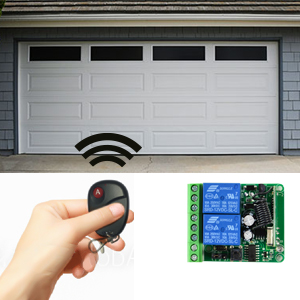
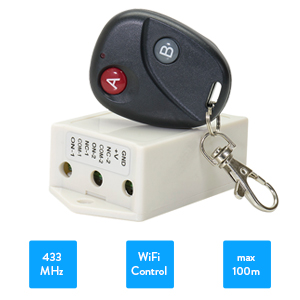
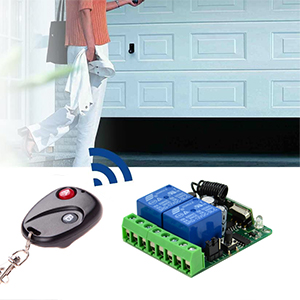
| Remote controlWith a wide range of applications, the PNI CA500LR can control garage doors, access gates, elevators, lifts, electromagnetic gates and much more. The device includes a transmitter (remote control) and a receiver with 2 relays independent of each other. |
Operating modesBy positioning the jumper on the motherboard, several operating modes of the two relays can be programmed: 1. manual mode (by pressing the button on the remote control, the corresponding relay will close and open); 2. automatic mode (after releasing the button on the remote control, the corresponding relay returns to its initial state); 3. dual mode (one relay closes and the other relay opens). |
|
| Maximum number of remote controlsThe PNI CA500LR remote control relay can enroll up to 18 remote controls. Learning a new remote control involves briefly pressing the learning button. The LED lights up. Press button A on the remote control. The red LED flashes 3 times then remains on to confirm learning button A to control the first relay. The red LED remains on. Press button B on the remote control. The red LED flashes 3 times then goes off to confirm learning. Repeat the procedure to learn additional remote controls. |
Video presentation |
|
Relay with remote control PNI CA500 UK |
| Characteristics |
|
||||||||||||||||||||||||||||||
|---|---|---|---|---|---|---|---|---|---|---|---|---|---|---|---|---|---|---|---|---|---|---|---|---|---|---|---|---|---|---|---|