
Portable PMR radio station Motorola TALKABOUT T62 BLUE set with 2 pcs

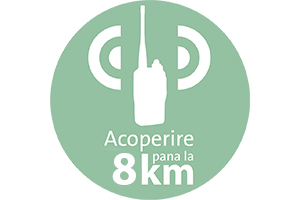
| Remote communicationMotorola TALKABOUT T62 facilitates communication over distances of up to 8Km. The communication distance may vary depending on the area you are in and the obstacles between the two communicating devices. |
Hands-free connectionThe product allows the connection of a 2.5mm 1-pin Motorola headset, facilitating the use of the radio in a hands-free system. |
|
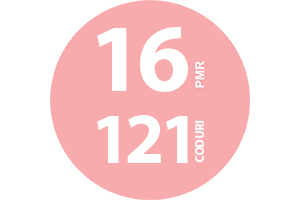
| channelsThis product has 16 PMR channels and 121 codes to encode both transmission and reception, a function that allows you to have private conversations. |
FunctionsMotorola TALKABOUT T62 offers users multiple functions: Calling, Channel Scan, Digital Squelch, Roger Beep, Key Lock. |
|
| 800mAh battery includedThe PMR stations have a complex battery saving function that allows to extend the battery life by over 50%. One battery is included in the package for each station. It can also be powered by 3 AA/R6 batteries (not included in the package). |



| Characteristics |
|
||||||||||||||||||||||||||||||||||||||||||||||||||||||||||||||||
|---|---|---|---|---|---|---|---|---|---|---|---|---|---|---|---|---|---|---|---|---|---|---|---|---|---|---|---|---|---|---|---|---|---|---|---|---|---|---|---|---|---|---|---|---|---|---|---|---|---|---|---|---|---|---|---|---|---|---|---|---|---|---|---|---|---|