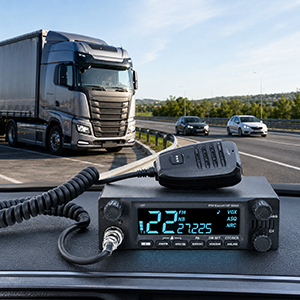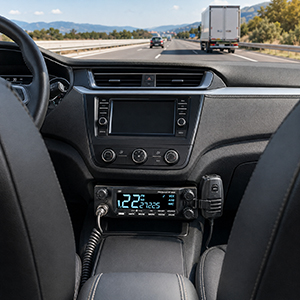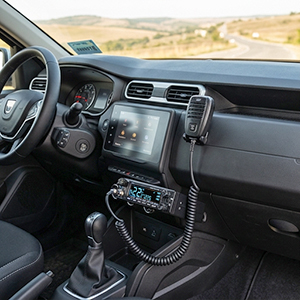
HP 9600 Multistandard PNI Escort CB Radio Station, Front Speaker, ASQ, VOX, Scan, 4W, AM-FM, power supply 12V - 24V, repeater function, cigarette lighter plug included

 Monthly payment from €6.87
| Dual-powered CB radio stationThe PNI Escort HP 9600 is a CB radio station for the 26.965–27.405 MHz band, with AM and FM modulation and a transmission power of 4 W. It operates on 12V/24V DC power supply, which makes it suitable for both passenger cars and commercial vehicles. |
Simple control and clear displayThe station is equipped with an LCD screen, TX/RX indicator, channel selector, volume control and a dedicated button for ASQ/SQ. The microphone includes keys for changing channels, PTT button, playback of recordings and a programmable key, so that common functions can be accessed quickly. Connectivity includes a 6-pin microphone jack, antenna connector, DC 12/24V power supply, external speaker output and PA output. |
|
| Advanced featuresPNI Escort HP 9600 allows recording of the received signal, up to 20 RX conversations of maximum 1 minute each, as well as playing messages in PA mode. The station offers settings for screen color and brightness, key sound, Roger Beep, frequency display, VOX level, ASQ level, NRC level, microphone sensitivity and Timeout Timer. It also includes functions such as CTCSS/DCS, key lock, country standard selection and repeater mode for DE standard. |
Repeater functionThis function allows the PNI Escort HP 9600 station to communicate through an external repeater, using different channels or frequencies for transmission and reception: the station transmits to the repeater on one channel and receives the retransmitted signal on another channel. The function is only available for the DE (Germany) standard. |
|