
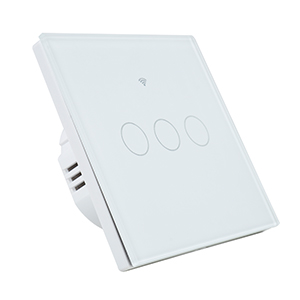
PNI SafeHome PT Remote Three Triple Touch Remote Control, Head-Ladder, Portable for PNI SafeHome PT303 WiFi Smart Switch

Availability:
On order
Delivery time:
14 - 30 working days
SKU
PNI-PTREMOTE3
€10.45
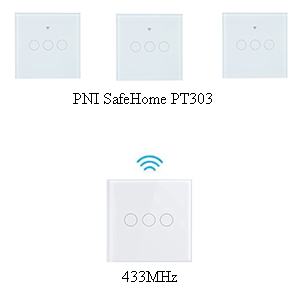
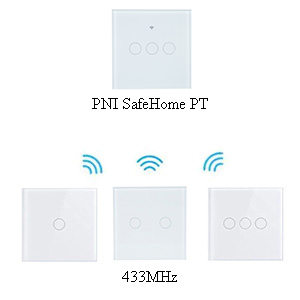
| Simple and easy to useThe PNI SafeHome PT Remote Three triple touch remote control is the fastest solution when you need a stairwell switch. It is compatible with the PNI SafeHome PT101, PT202, PT303 WiFi smart touch switches. Being built according to the same design, there is no noticeable difference between the two. |
How to usePNI SafeHome PT Remote touch remote controls can be connected in many pairing options. A touch remote control can control multiple smart switches at the same time. Just as a smart switch will be able to control multiple remote controls at the same time. All without additional wiring. |
|
| Technical features
Attention, it does not work standalone . Only together with PNI SafeHome PT101, PT202, PT303 smart touch switch. |
| Characteristics |
|
||||||||||||||||||||||||||||||||||||
|---|---|---|---|---|---|---|---|---|---|---|---|---|---|---|---|---|---|---|---|---|---|---|---|---|---|---|---|---|---|---|---|---|---|---|---|---|---|