
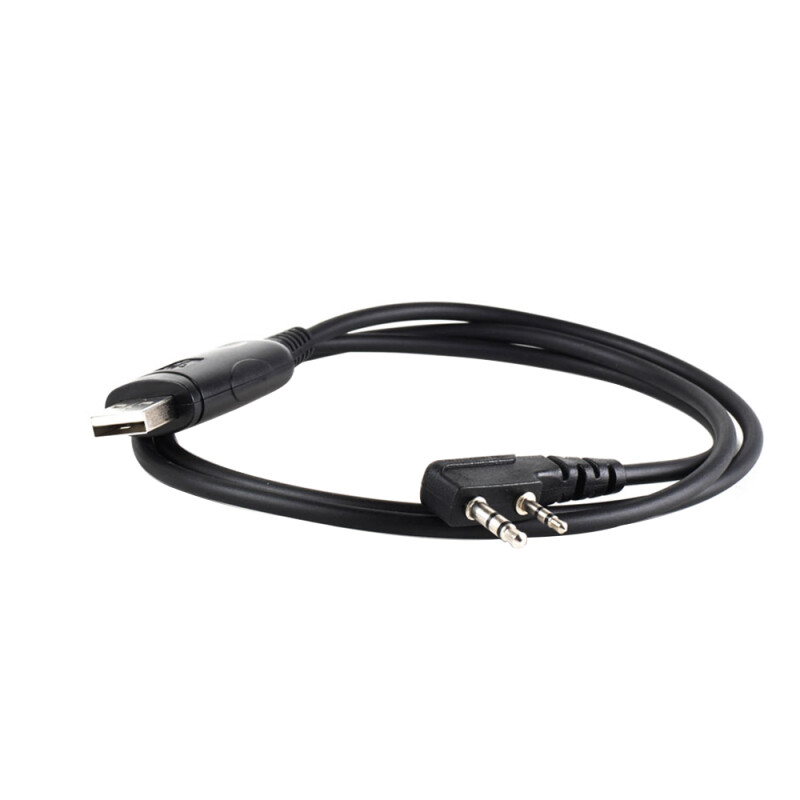
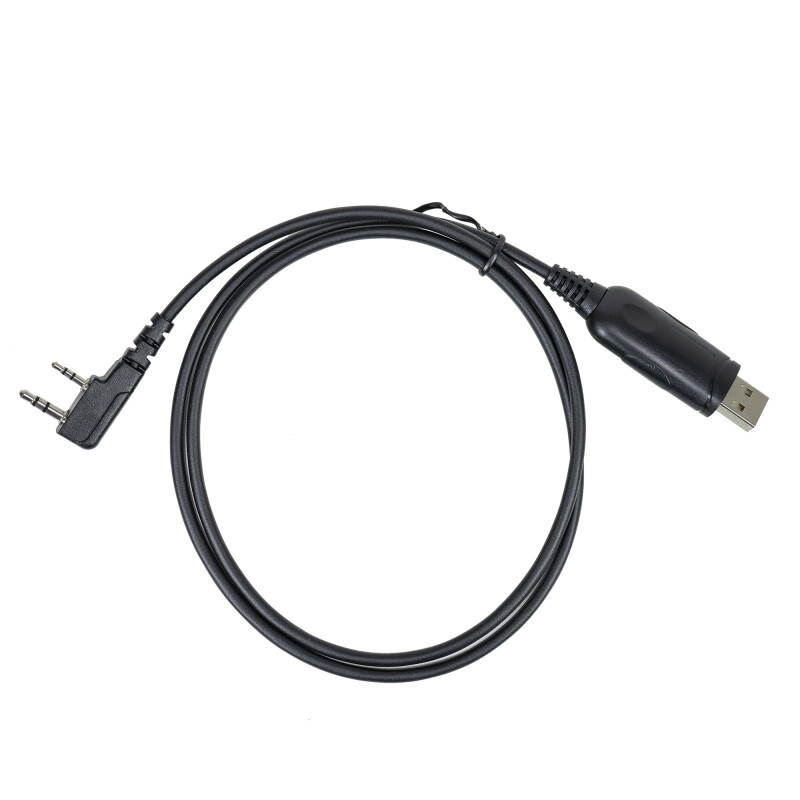
PNI XP-12 programming cable for radio stations with Kenwood plug

|
|
Radio station programming cableThe PNI XP-12 programming cable is the ideal solution for radio station users who want to easily configure their equipment. This cable is compatible with a wide range of models, including Dynascan and Baofeng, thus facilitating accessibility and versatility in use. With this cable, users can access the advanced settings of their radios, ensuring an optimized communication experience. Another important benefit is the inclusiveness of the package, which contains everything needed for immediate use, without the need for additional purchases. |
Extended compatibility for various modelsThe PNI XP-12 stands out for its ability to work with numerous radio models, such as the Dynascan V-100, V-200, and many others. This extensive compatibility allows users to use the cable with their existing equipment, saving time and money in searching for alternatives. Whether you have a radio from Adi, Baofeng, or Wouxun, the PNI XP-12 integrates seamlessly, facilitating data transfer and the settings necessary to optimize performance. |
|
|
|
Robust and durable designThe PNI XP-12 programming cable is designed to withstand daily use and is made from high-quality materials. This durability ensures consistent and reliable operation over time, reducing the risk of damage with frequent use. The cable's design also facilitates quick and easy connection, making it ideal for users who want efficiency in operation without compromising quality. |

| Characteristics |
|
||||||||||||
|---|---|---|---|---|---|---|---|---|---|---|---|---|---|