
Video surveillance camera PNI IP655B 5MP WiFi PTZ 5X H265 optical zoom, microSD slot, stand-alone, Night Vision 50m IP66 Motion detection alarm Two-way audio communication

 Monthly payment from €7.43
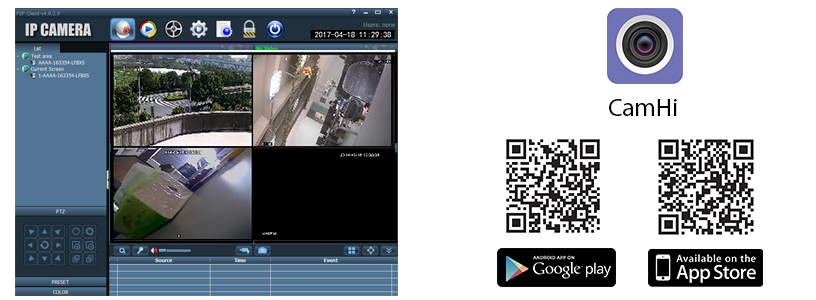
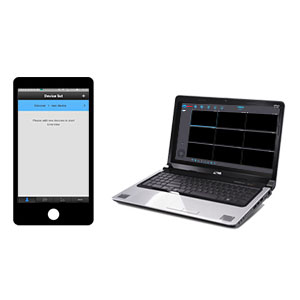
Access and control methodsThe PNI IP655B camera can be controlled from mobile devices via the CamHi or PNI SmartHome applications compatible with Android and iOS, and from the PC via the HiP2P software. The CMS installation software can be found on the CD included in the package or you can download it from our website, from the product page, Download section.
| |
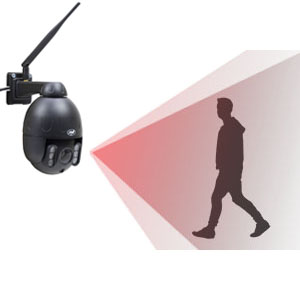
Alarm warningIf the camera detects motion, it will send a photo capture or video file with the alarm situation to an FTP server or will send the capture to the user by email. |
|
| P2P function and HD resolutionCompatible with the ONVIF protocol, the camera with PNI IP655B is accessed directly via P2P connection, without the need to configure the router. By entering the username and password you have easy access to all the camera functions. |
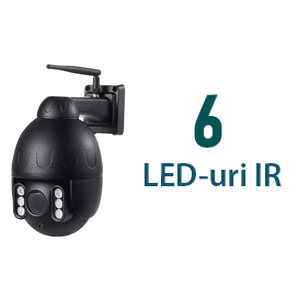
Viewing even in low light conditionsThe PNI IP655B camera is equipped with 6 infrared LEDs, which allows you to view at night. It can be used to monitor your home, offices, factories, shops, hospitals, etc. Simple, convenient and in real time. |
|
| Remote controlYou can monitor and control the PNI IP655B camera using the CMS software compatible with Windows operating systems or using the dedicated application compatible with Android or iOS mobile devices. |
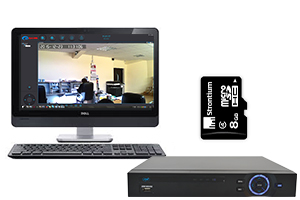
Recording on microSD card or remotely on PC or NVRYou can record the images taken by the video camera on the micro SD card, which is installed inside the camera, on a computer, via the internet (provided that it is turned on during the entire recording), or on an NVR (provided that it has at least one HDD installed set to read-write mode). |
|
| Outdoor and indoor, wireless or wiredYou can use the camera to monitor indoor and outdoor spaces by connecting it wirelessly or via cable to the internet network. |
| Freedom to chooseThanks to ONVIF standardization, you have the freedom to use different CCTV equipment regardless of manufacturer. This means you can purchase, mix and use different cameras and recording units if they are ONVIF compatible. |



Video presentation |
|
PNI Video Surveillance Camera IP655B 5MP WiFi PTZ 5X Optical Zoom UK |
| Characteristics |
|
||||||||||||||||||||||||||||||||||||||||||||||||||||||||||||||||||||||||||||||||||||||||||||||||||||||||||||||||||||
|---|---|---|---|---|---|---|---|---|---|---|---|---|---|---|---|---|---|---|---|---|---|---|---|---|---|---|---|---|---|---|---|---|---|---|---|---|---|---|---|---|---|---|---|---|---|---|---|---|---|---|---|---|---|---|---|---|---|---|---|---|---|---|---|---|---|---|---|---|---|---|---|---|---|---|---|---|---|---|---|---|---|---|---|---|---|---|---|---|---|---|---|---|---|---|---|---|---|---|---|---|---|---|---|---|---|---|---|---|---|---|---|---|---|---|---|---|---|