
Video surveillance kit PNI House WiFi550 NVR 8 Channel 1080P and 4 Wireless Wireless Outside 720P, P2P, IP66

 Monthly payment from €10.62
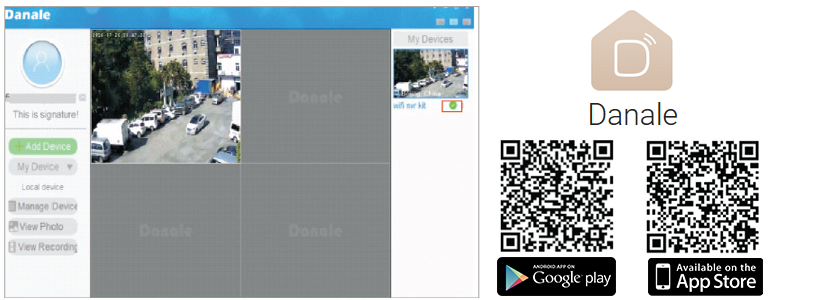
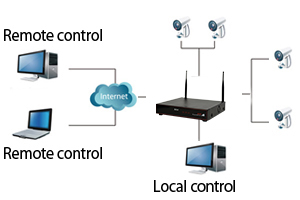
Access and control methodsThe PNI House WiFi550 video surveillance kit can be controlled from mobile devices through the Danale app compatible with Android and iOS, and from PC through the Dana CMS software. You can find the CMS installation file on the CD included in the package or you can download it from our website, from the product page, Download section.
|
|
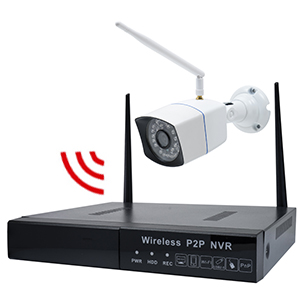
Wireless communicationYou can connect the camera to the internet via a wireless network. Also, connect the camera to the NVR also via a wireless connection. The maximum WiFi transmission distance is 100 m (in open field). |
|
|
|
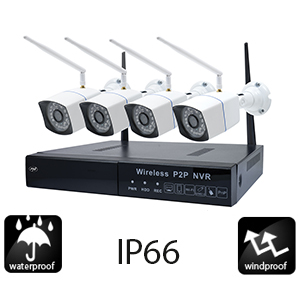
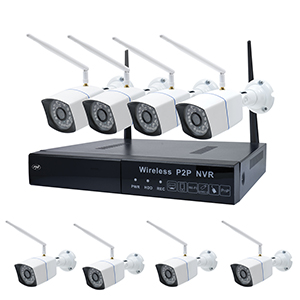
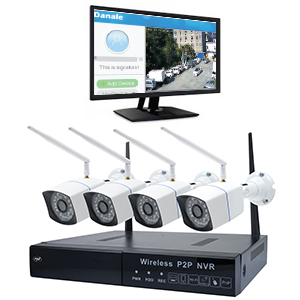
4 outdoor roomsThe PNI House WiFi550 kit contains a recording unit (NVR) and 4 cameras, which can be used both indoors and outdoors, allowing you to monitor your home or business from anywhere you have an internet connection. |
8-channel NVRWith the NVR in the package you have the possibility to record and play back images from 8 full HD video surveillance cameras. For image recording, you can mount an internal HDD with a capacity of up to 4TB inside the NVR. |
|
|
|
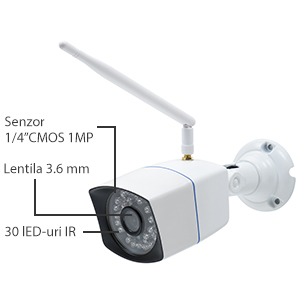
Night RecordingThe 4 cameras are equipped with 30 IR LEDs each, equipment that offers you quality video at night, up to 30 m. |
Internet controlNow you can watch in real time the images taken by PNI House WiFi550. We also add full access to the system that will allow: settings, view recordings, download recordings, etc. Also, for a simpler configuration, the NVR in the kit can be accessed from the internet without the need for special configurations in your router, via P2P connection. For Android and iOS we recommend the Danale app. |
|
|
|
Real-time visualizationThe images are recorded in real time and can be viewed via a monitor connected to the NVR via VGA or HDMI interface. |
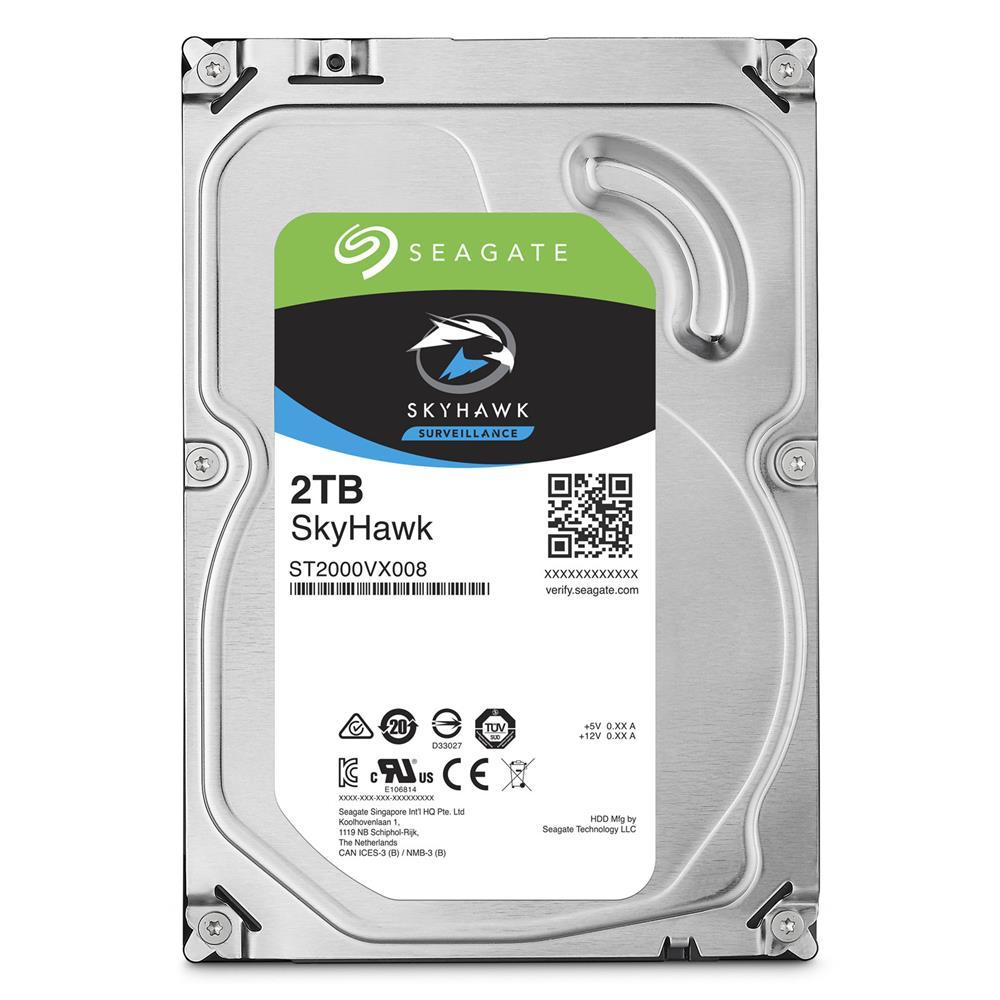
HDD CompatibilityWith the evolution of surveillance systems, HDD manufacturers have created dedicated solutions for them. Thus, for a maximum performance operation of surveillance systems, we recommend the use of only hard drives dedicated to surveillance systems. |
|
Video presentation |
|
PNI House WiFi550 Video Surveillance Kit |
| Characteristics |
|
||||||||||||||||||||||||||||||||||||||||||||||||||||||||||||||||||||||||||||||||||||||||||||||||||||||
|---|---|---|---|---|---|---|---|---|---|---|---|---|---|---|---|---|---|---|---|---|---|---|---|---|---|---|---|---|---|---|---|---|---|---|---|---|---|---|---|---|---|---|---|---|---|---|---|---|---|---|---|---|---|---|---|---|---|---|---|---|---|---|---|---|---|---|---|---|---|---|---|---|---|---|---|---|---|---|---|---|---|---|---|---|---|---|---|---|---|---|---|---|---|---|---|---|---|---|---|---|---|---|---|