
Anti-flood kit PNI SV180 smart water valve Wi-Fi connectivity + PNI Safe House HS530 smart flood detector

Availability:
On order
Delivery time:
14 - 30 working days
SKU
PNI-SV180-530
€100.43
 Monthly payment from €6.12
PNI-HS530 - PNI Safe House HS530 smart flood detector PNI Safe House HS530 via internet, compatible with Tuya app, stand alone or in scenarios with PNI PG600 alarm system
|
|
Wireless communicationThe PNI Safe House HS530 is very easy to use and install as it does not require any cables and is compatible with the PNI Safe House PG600 wireless alarm system, using wireless communication. |
Control via appThe Tuya app is compatible on all Android or IOS smart phones and you can download it from google play/app store, or just by scanning the QR code in the picture. |
|
|
|
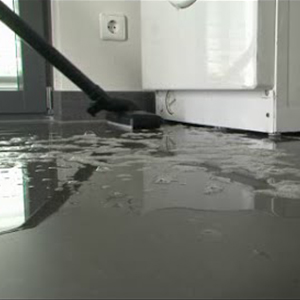
NotificationsThe PNI Safe House HS530 Flood Detector will send you notifications when the first water leaks appear on the floor of your home. |


| Characteristics |
|
||||||||||||||||||||||||||||||||||||||||||||||||||||||
|---|---|---|---|---|---|---|---|---|---|---|---|---|---|---|---|---|---|---|---|---|---|---|---|---|---|---|---|---|---|---|---|---|---|---|---|---|---|---|---|---|---|---|---|---|---|---|---|---|---|---|---|---|---|---|---|